Network Design

We design networks that grow with your business, fast, reliable, and always secure.

What is network design?

Network design is the practice of planning and designing a communications network.

That process starts with identifying business and technical requirements and continues until just before the network implementation stage (when you actually do the work to deploy and configure what was designed). Network analysis, IP addressing, hardware selection, and implementation planning are all part of network design.

In simple networks, like those found in most homes and small offices, network design is a straightforward process. In large enterprise networks, the network design process is often very complex and involves multiple stakeholders.

Understanding PPDIOO model

In the context of network design, a network lifecycle model helps explain where and how network design fits into the broader lifespan of your network’s components and overall structure.

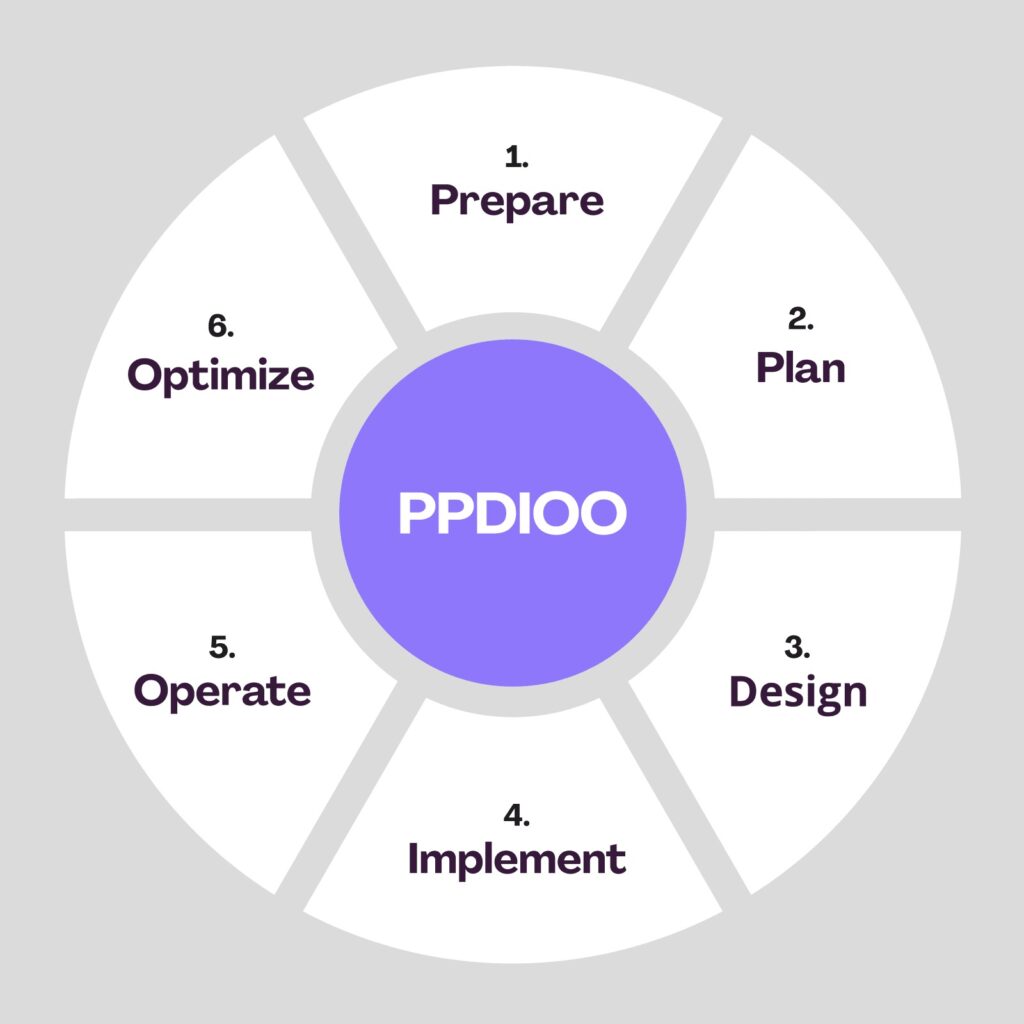
One of the most popular network lifecycle models is Cisco’s PPDIOO (Prepare, Plan, Design, Implement, Operate and Optimize) model:

  • Prepare

    This is where you define high-level requirements and strategy. For example, your deliverables from this phase may include requirements documentation and current state surveys.

  • Plan

    This stage deals with specific network requirements based on information gathered in the planning stages.

  • Design

    During the design stage, the information gathered from the previous two stages is used to create a detailed network design.

  • Implement

    This is where the work gets done to configure and deploy the network infrastructure. There is often testing to validate the design in this phase.

  • Operate

    This is the portion of the lifecycle where the network is in production use. During this stage, monitoring is an important part of validating that the network is working as designed and being able to quickly address issues when it isn’t.

  • Optimize

    At some point in most networks’ lifecycle, tweaks and optimizations are needed. This is the stage where those changes are identified. For major changes, the cycle begins again to plan and implement them.

5 Essential Networking Equipment & Devices

Modem

The modem receives an analog signal from an Internet Service Provider over analog network cables–phone lines (old-school DSL), Cat-type cable, or fiber optic cables–and then converts it into digital signals that computers can receive and understand.

Router

Router is device that connect multiple packet-switched networks or subnetworks, performing two primary functions: managing traffic between networks by forwarding data packets to their intended IP addresses, and allowing multiple devices to share the same internet connection.

Firewall

Network firewalls are devices that act as a secure buffer between the inside and outside of the network. They use special protocols to police all incoming and outgoing network traffic, communications, and transactions and ensure that malware, viruses, worms, hackers, and other security threats remain outside.
Switch

A network switch connects devices within a network and forwards data packets between them. Its job is to increase network efficiency by using routing information to read the hardware address of an incoming packet or signal and send it to the correct device.

Network Server

Network servers act as a shared central point for all devices on a server. Servers share, store, and maintain data and files that devices can access in real time across the network.

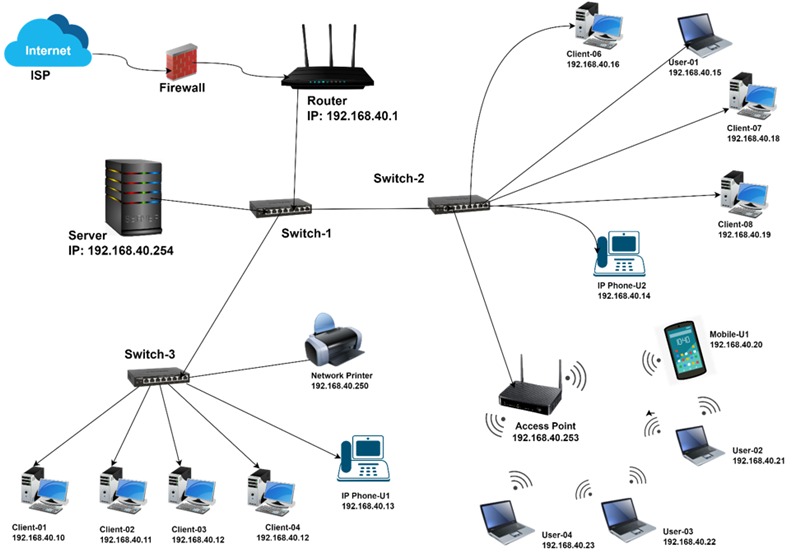
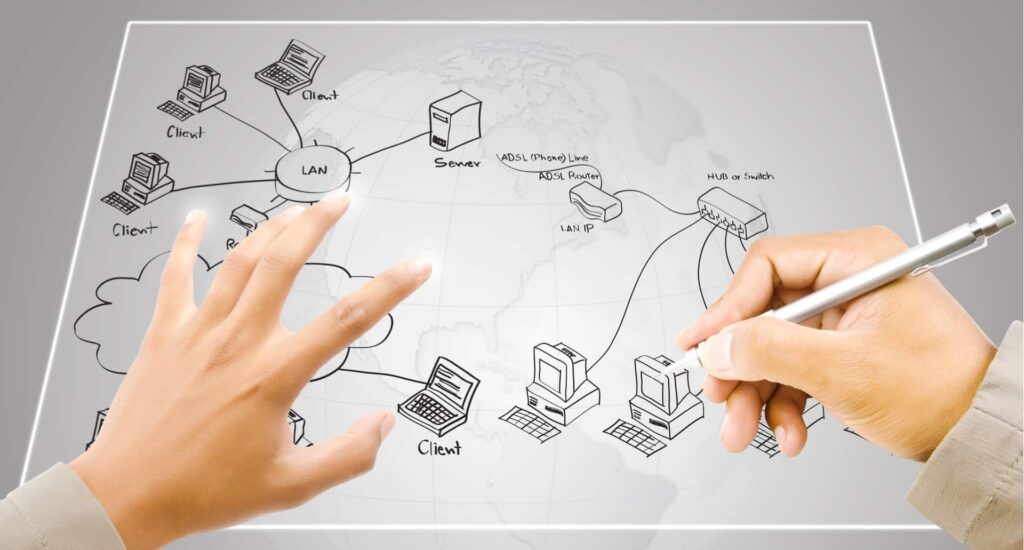
Network Example

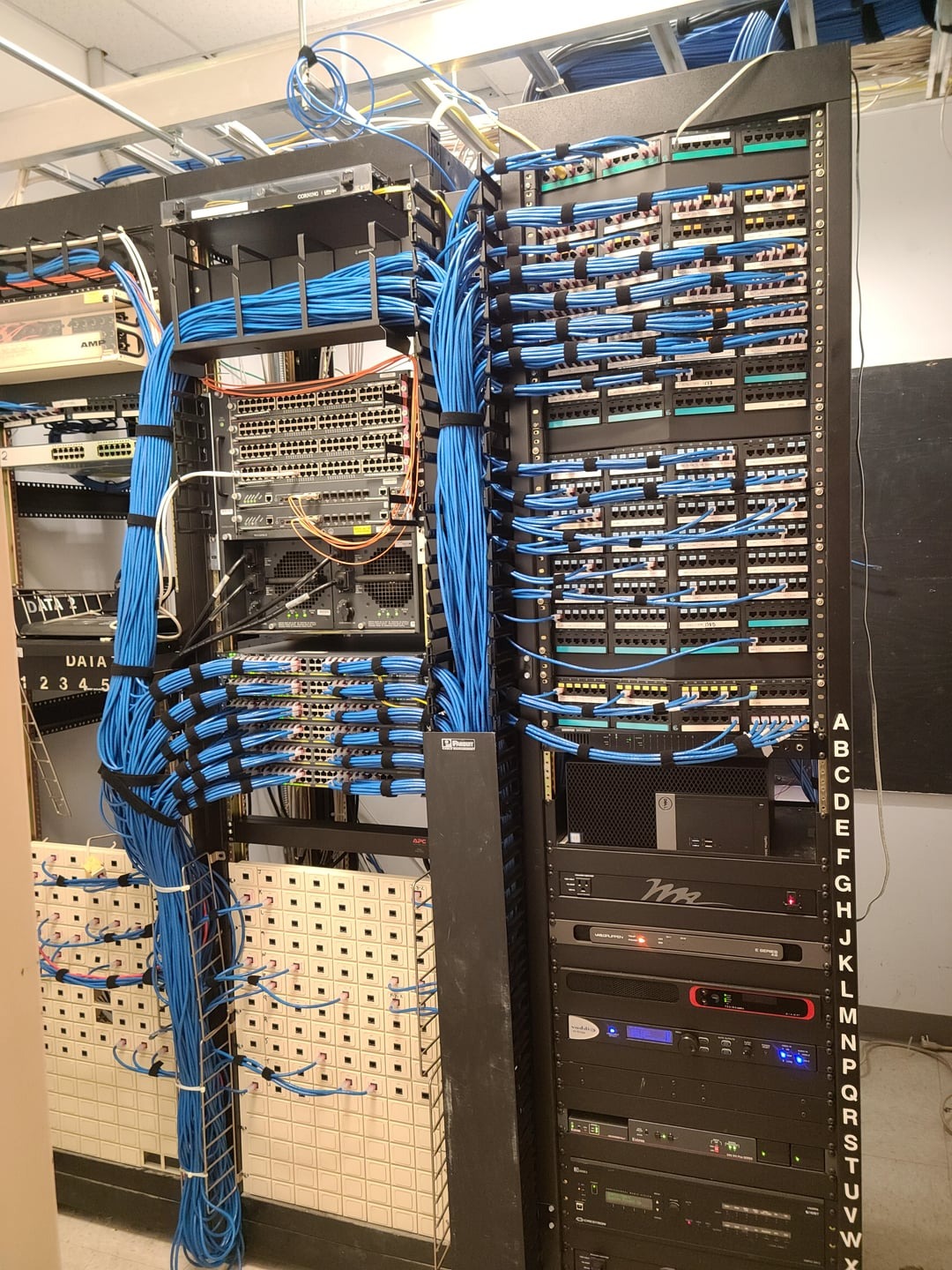
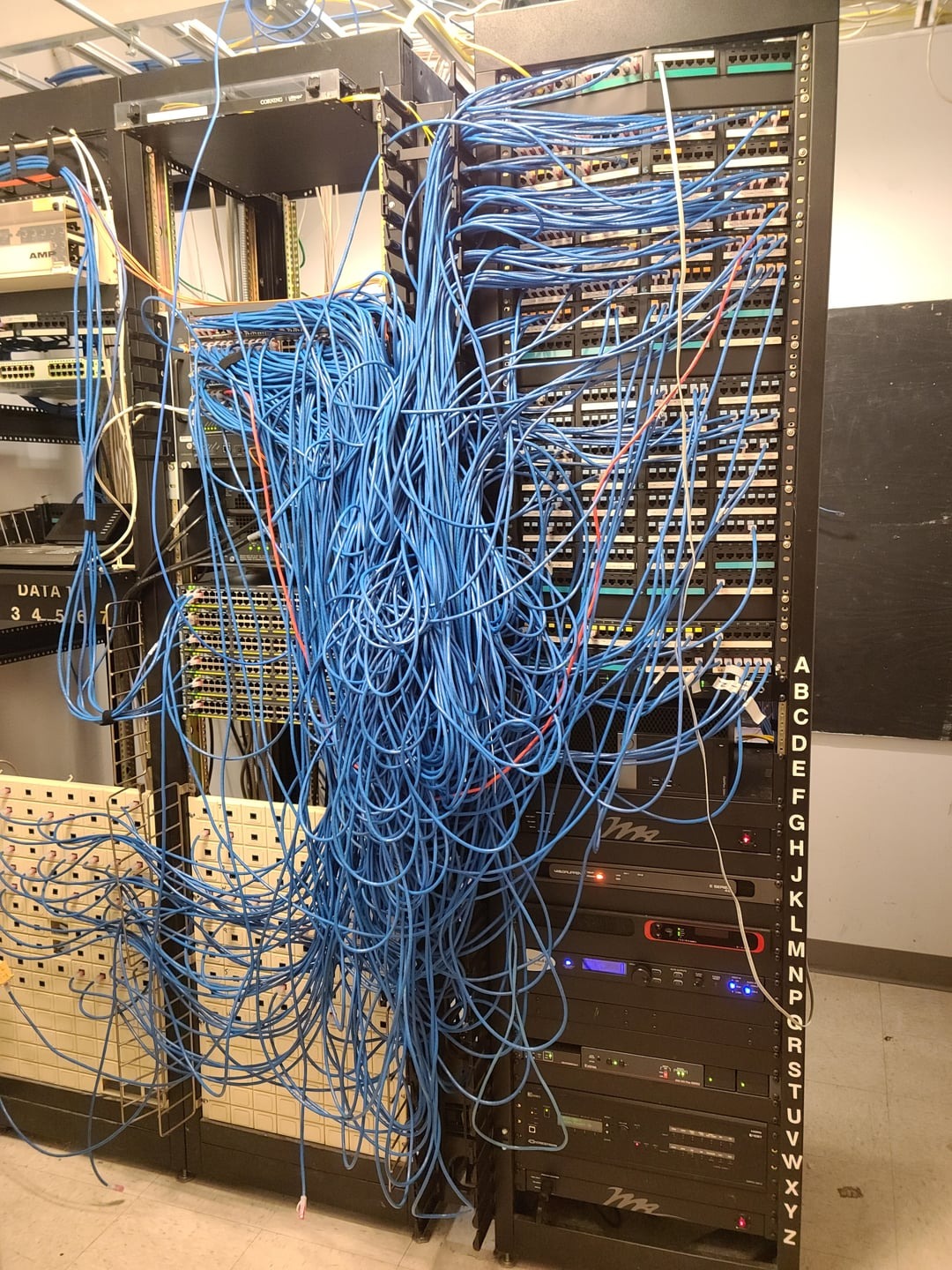
Cable Management

After
Before

Are You Ready To Start

New Relation With US?

Have a question or need IT support? Reach out to our team, we’re ready to help you with reliable, fast, and personalized service.

Reach out to Microsys, We’re Just a Call or Click Away.

Contact

© 2018 – Microsys Computer Solutions, LLC

error: Content is protected !!
Scroll to Top